
Welcome to my 195th gems post. This is where I share some of the latest news, ideas and resources for maths teachers.

1. Maths Rocket
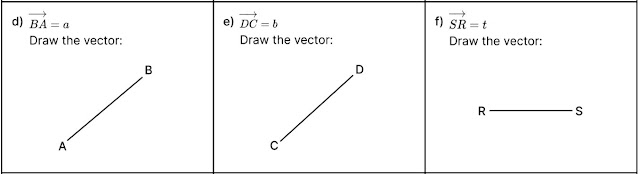
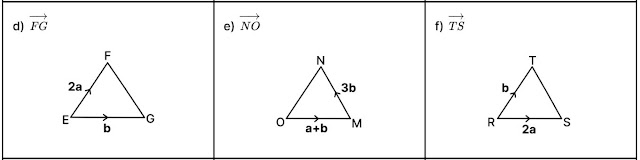
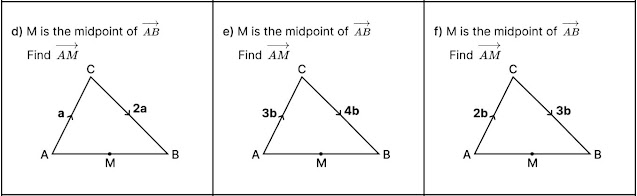
There are over one hundred maths worksheets with answers and accompanying videos. For an example, check out this vectors worksheet. I really like the detailed atomisation of skills. There’s everything from getting the direction of arrows right to simple vector routes to a gradual introduction of midpoints. There are lots of questions on each individual skill (extracts are shown below) before it’s all brought together at the end in full exam questions. I haven’t seen this topic broken down so carefully before.


Choose any topic and you’ll find a similar approach. For example, check out the range of different question types on the Sine Rule worksheet and look at the amount of practice available in the Box Plots worksheet. I think these are great and when I get time I’ll add them to my resource libraries.
In addition to the large collection of worksheets, there’s a Questions Database for Edexcel GCSE Maths. It looks similar to the very user-friendly website Examq.co.uk which I featured in Gems 158, but it’s slightly different in that it takes you directly to a page in an exam paper.
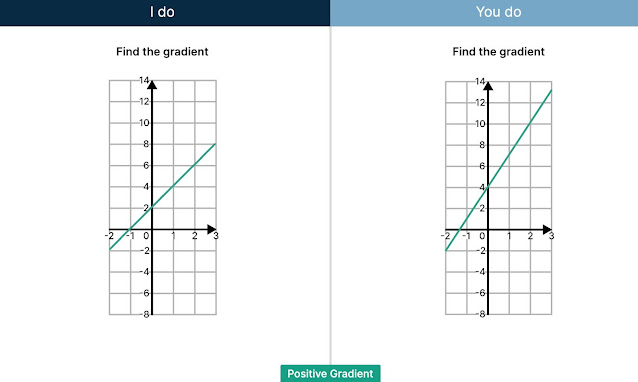
There are also slides and YouTube videos which are designed to follow an ‘I do, You do’ structure to ensure students don’t just passively watch the videos but get plenty of practice throughout.

2. Mr Barton Maths
Craig Barton has updated his free website mrbartonmaths.com with some new features.
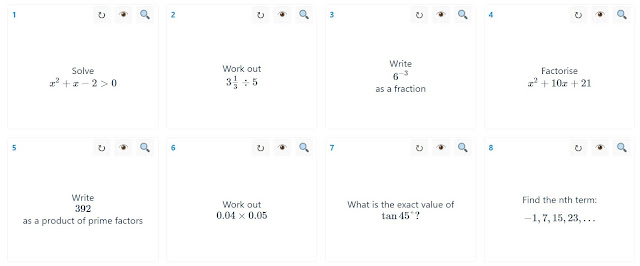
Super 8s are designed for consolidation practice of a current topic or for retrieval practice of previously taught skills. It’s very easy to select topics. Teachers can project the eight questions on the board in full-screen mode, or print a one page worksheet. Students can also use the tool directly on their phone.
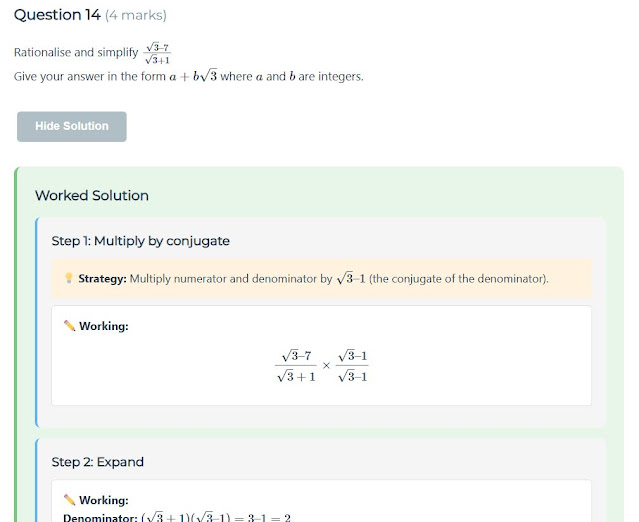

The Exam Papers page provides step-by-step worked solutions for SATs, GCSE, AQA Level 2 Further Maths and A Level questions. Each solution clearly explains the method, and the idea is students use this page independently when revising. If they get stuck on a question when revising, looking at a full worked solution is way more helpful than looking at a mark scheme.

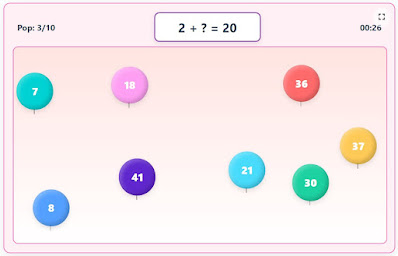
There’s also a Games section – some of my Year 7s were enjoying these games during a snowy lunchtime last week.

And there are some great little teacher tools like equipment trackers and noise monitors.
3. AI and GCSE Stats
Thank you to @harryzafar for sharing two blog posts about how he uses AI to make maths resources. I know lots of my readers are interested in developments in AI and how they relate to maths resourcing so I recommend checking out what Harry has been doing:
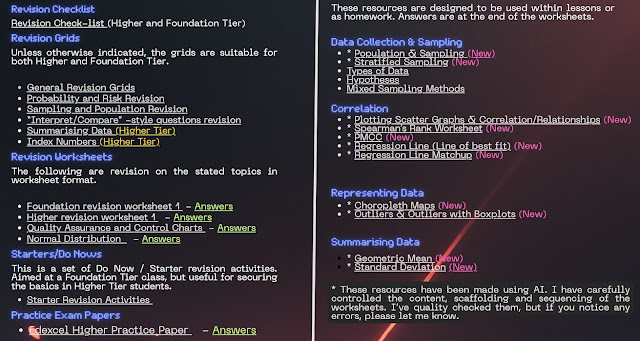
Harry has used AI tools to create some more resources to add to his GCSE Statistics collection at mathboardwalk.com.

4. Hannah Kettle
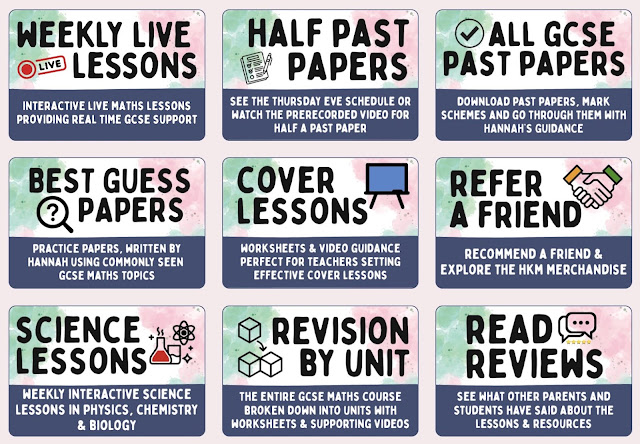
Hannah Kettle has been busy making her website easier to navigate. There are lots of useful GCSE Maths resources at hannahkettlemaths.co.uk.
5. I Do You Do Exam Papers
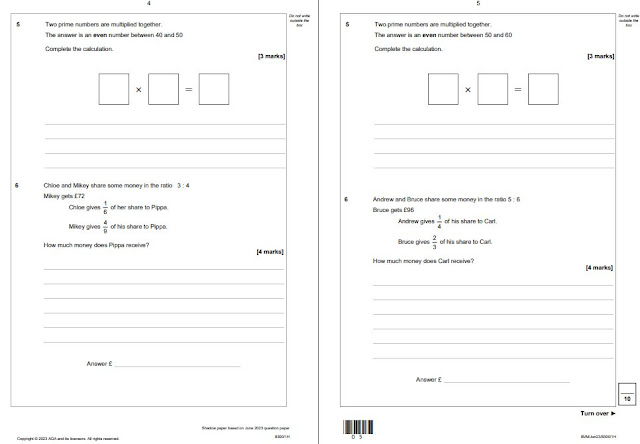
Thank you to Muhammed Balal for emailing me about this simple idea – it seems obvious but I haven’t seen it done before. He has taken exam papers and associated shadow papers produced by exam boards, and compiled them into combined ‘I do, you do’ papers. The idea is that the teacher models a question and then the student completes a very similar question on the next page, and this continues the whole way through the exam paper. This would be a great way to practise exam technique, with the teacher modelling how to set out workings and the students getting plenty of practice throughout the lesson. Muhammed has made papers for GCSE (both AQA and Edexcel) and A level, and GCSE Statistics. He has shared them at mathswalkthrough.co.uk.

Update
Two gems posts in quick succession! This never happens. Social Media has been very quiet over the last year so I struggle to find materials for gems posts these days. But a little flurry of activity online and in my inbox at the end of the Christmas holidays meant that I could write another Gems post only two weeks after posting Gems 194.
What this does mean is I have no new personal news to report, other than the fact it was my birthday last week, and my age is now a multiple of both three and five. Happy Birthday to me! My husband got me a mini Galton Board for my desk which I love showing to students.
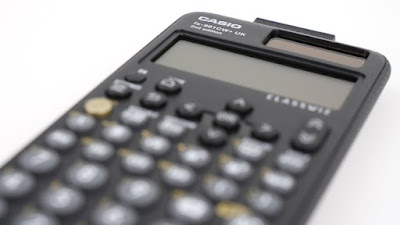
Did you see the news that Casio has tweaked their Classwiz calculators so they are essentially bringing back the much-missed SD button? I believe it’s still labelled as the Format button, but pressing it once will automatically switch between fraction and decimal like SD used to do (and pressing shift + format will bring up the format menu). The new calculator model is the Classwiz+ – you can read more about it here.
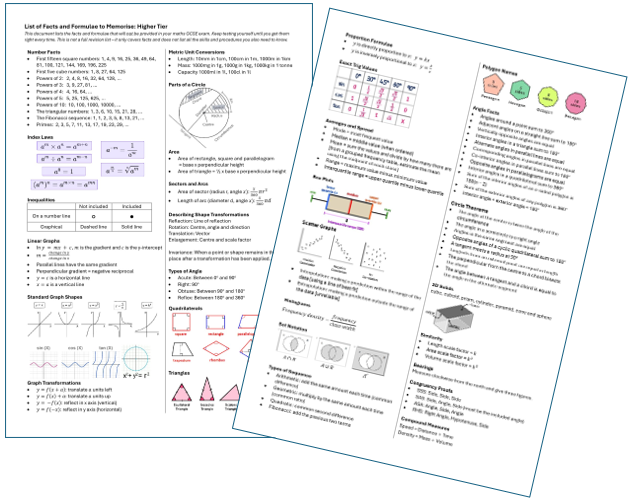
At my school we have Year 11 mocks coming up in a couple of weeks. We’ve nearly finished teaching all the content of the specification and in preparation for these mock exams we will be providing our students with the ‘Things to Memorise’ resources that I made this time last year and shared in Gems 184. If you didn’t see this at the time, you may find it helpful. You can download these for both Higher and Foundation tier (including editable versions) here for your Year 11 students. Last year we handed them out before mocks and I was surprised to see students still clutching onto them on the morning of the actual Maths GCSE exams in May and June.

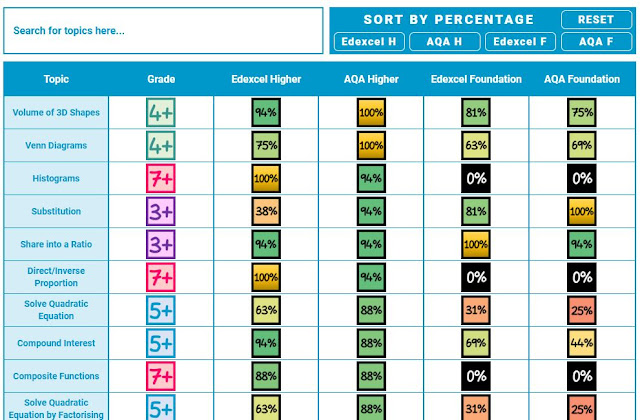
Also, in case you haven’t seen this before, it’s worth knowing that @1stclassmaths has updated his GCSE Topic Appearance page. Although we can’t use topic frequency to predict what will be in this summer’s exams (you could say that topics that rarely come up are due an appearance, or you could say that topics that rarely come up are unlikely to come up… who knows), students always find this page fascinating so it’s worth showing to your Year 11s.

View the original article and our Inspiration here